Secure Auth for IoT Mobile Apps: From Guest Mode to Multi-User Device Access
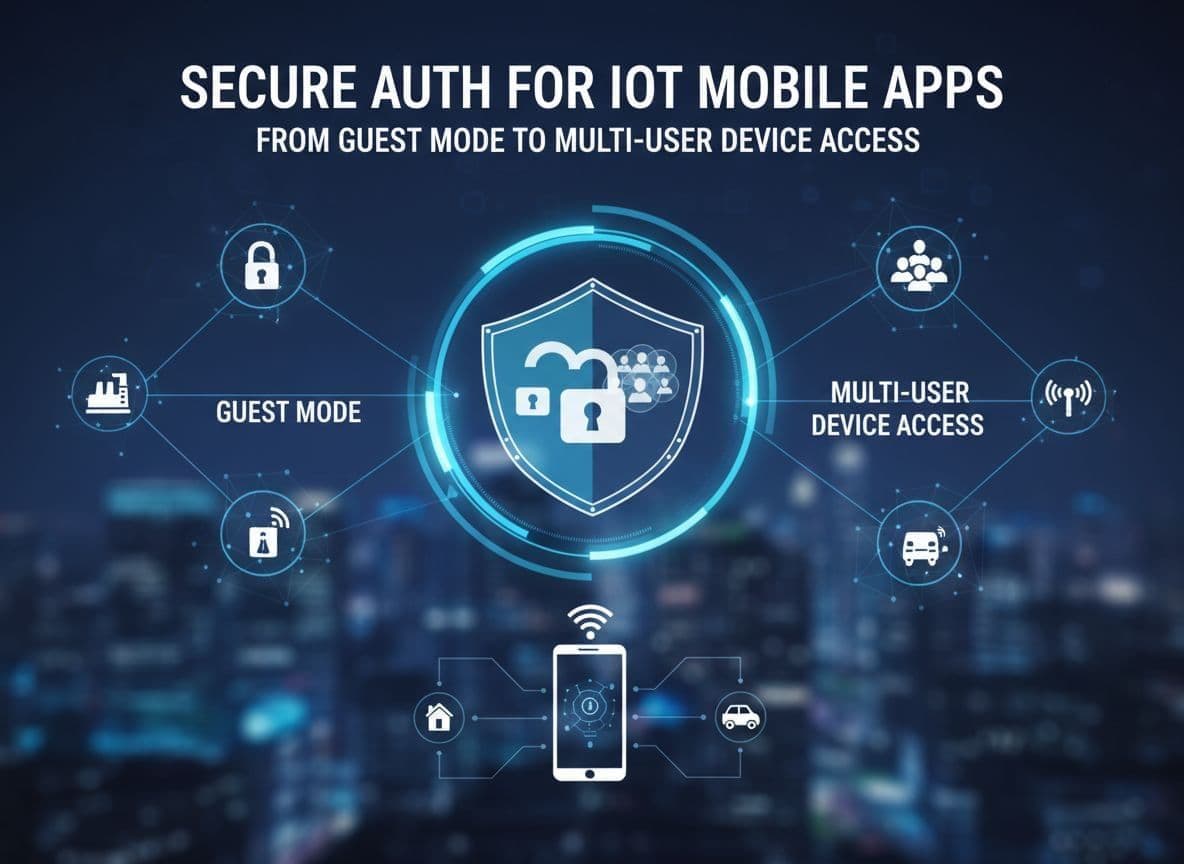
You ship a smart lock app. The lock sits on a door everyone in the home uses. The app sits on phones that get lost, shared, wiped, and jailbroken.
Getting iot mobile app authentication right here is not a side detail. It is the line between “convenient smart home” and “anyone can unlock my front door”.
This guide walks through concrete patterns for guest mode, temporary access, and multi-user sharing, and how to back them with solid OAuth2, OIDC, and token storage practices.
—
The Core Problem: One Physical Device, Many Humans
In most IoT systems, a single account “owns” the device, but many people use it. A lock, camera, or thermostat often serves a whole family, team, or shift.
That creates three hard problems:
- How to let someone try the app in guest mode without giving away real power.
- How to upgrade that guest into an authenticated user without breaking flows.
- How to share one physical device with many accounts, with revocation that actually works.
Recent work on shared smart homes, like the paper on multi-user controls in smart home devices, shows that “owner or nothing” is not enough. You need fine-grained access and clear lifetimes.
—
Designing Guest Mode As A First-Class Flow
!Smartphone in guest mode controlling limited IoT devices _Guest mode with limited IoT controls and a path to full login. Image created with AI._
Guest mode should feel responsive and useful, but carry almost no risk if a phone is lost.
A practical model:
- On first launch, create an anonymous guest session.
- Issue a short-lived “guest” token from your backend.
- Bind it to a single device and minimal scopes, for example:
{
  "sub": "guest:ios-8f93e2",
  "scopes": ["device:read-public"],
  "aud": "iot-api",
  "exp": 1712051200
}
Guest mode rules:
- No control of sensitive actuators (locks, garage doors, alarms).
- Read-only or demo data only.
- Token lifetime in minutes, not days.
- No refresh token for guests.
For stronger guarantees, use a “demo cluster” of cloud devices with fake or throttled actions, as suggested in many IoT device authentication best practices.
In a boilerplate like IoTfast, guest mode fits as a separate navigation stack that talks to the same API, but with an anonymous token and a reduced feature flag set.
—
From Guest To Account: A Concrete Sharing Journey
!Multi-user IoT access with owner and guest profiles _Owner, family, and guests controlling shared IoT devices. Image created with AI._
Let’s walk a full flow you can map to screens and APIs.
1\. Guest starts in anonymous mode
- Installs the app on a shared tablet.
- Sees nearby demo devices, or readonly state for local devices.
- UI hints: “Sign in to unlock full control”.
2\. Owner sends an invite
From their own authenticated phone, the owner:
- Opens “Share access” for
lock-123. - Selects “Temporary guest, expires in 3 days”.
- Chooses scopes like `["lock:read", "lock:unlock-temporary"]`.
Backend creates a share object:
{
  "shareId": "sh_abc123",
  "deviceId": "lock-123",
  "inviterUserId": "user-1",
  "scopes": ["lock:read", "lock:unlock-temporary"],
  "expiresAt": "2025-12-15T10:00:00Z"
}
The app encodes shareId into a deep link.
3\. Guest redeems invite
On the guest device:
- User taps the deep link.
- App opens from guest mode, calls
/shares/redeem. - Backend checks expiry and device limits.
At this point you have two valid paths:
- Guest continues as ephemeral guest, bound to that one share.
- Guest signs up or logs in using OAuth2/OIDC, then the share attaches to their account.
Linking to modern OIDC guidance, such as OpenID Connect Native SSO for Mobile Apps, helps you line up with current patterns for in-app login.
4\. Upgrade and re-auth
When the guest wants more power, like “always unlock” or “remote unlock,” require:
- Full login via OIDC.
- Strong re-auth with platform biometrics or FIDO2/WebAuthn.
That avoids long-lived, powerful access resting on a weak or shared guest token.
—
Modeling Multi-User Device Access And Permissions
You need a clear model that links devices, users, and scopes.
A simple pattern:
- Each physical device has a stable
deviceId. - Each relationship is a record
(deviceId, userId, role, scopes, expiresAt). - Owners can always revoke any relationship.
Example JSON:
{
  "deviceId": "lock-123",
  "users": [
    {
      "userId": "user-1",
      "role": "owner",
      "scopes": ["lock:*", "share:*"]
    },
    {
      "userId": "user-9",
      "role": "guest",
      "scopes": ["lock:read", "lock:unlock-temporary"],
      "expiresAt": "2025-12-15T10:00:00Z"
    }
  ]
}
You can think in three common roles:
| Role | Example permissions | Notes | | ------ | ----------------------------------------------- | ------------------------------- | | Owner | All device actions, sharing, revoke | Usually 1 per device | | Member | Most actions, no sharing or ownership transfers | Family member, coworker | | Guest | Time-bounded, scope-limited actions | Cleaners, visitors, contractors |
On every API call, the backend:
- Authenticates the user (access token).
- Looks up
(deviceId, userId)mapping. - Checks scopes against the requested operation.
This keeps “who can do what” on the server, not in the app.
—
Secure Tokens, Storage, And Transport
!Diagram of secure token flows, keychain storage, and TLS _Token issuance, storage, and revocation flows for an IoT mobile app. Image created with AI._
Most IoT mobile app authentication stacks follow this pattern:
- OAuth2 access token, short lived (5–15 minutes).
- Refresh token, long lived, bound to device and client.
- Optional ID token via OIDC for profile data.
Example access token payload:
{
  "sub": "user-9",
  "aud": "iot-api",
  "scope": "lock:read lock:unlock-temporary",
  "device_id": "ios-8f93e2",
  "auth_time": 1712051000,
  "exp": 1712051300
}
Storage on mobile:
- iOS: store tokens in Keychain, not in UserDefaults or plain files.
- Android: store in Android Keystore (often wrapped by EncryptedSharedPreferences or a similar helper).
Guides like the comparison of iOS Keychain vs Android Keystore and Auth0’s notes on secure token storage are good deep dives.
Key rules:
- Never put tokens in logs.
- Never store them unencrypted on disk.
- Use different storage entries per user or profile.
Transport security:
- Use HTTPS with TLS 1.2+ (ideally 1.3) for REST.
- Use MQTT over TLS or WebSockets over TLS for real-time telemetry and commands.
- Certificate pinning only where you control the backend and update story is clear. Pin public keys, not leaf certs, so rotation is less painful.
Follow the NIST digital identity guidelines for token lifetimes and MFA strength, rather than inventing your own rules.
—
Revocation, Lost Phones, And Risk-Based Controls
Phones are lost. Tablets stay logged in on kitchen counters. Your auth model has to expect that.
Practical features:
- Server-side “logout all devices” per user and per device.
- Device record that tracks
refreshTokenId, so you can revoke that one phone only. - Per-share revocation, so an owner can cancel just one guest.
For sensitive actions, layer on local re-auth:
- Use platform biometrics or FIDO2/WebAuthn to gate “unlock”, “disarm alarm”, or “change owner”.
- For mobile, follow guides like the FIDO2/WebAuthn how-to to tie private keys to the secure hardware on the device.
Combine this with simple risk signals:
- Require re-auth when IP, device, or geolocation changes sharply.
- Shorten token lifetimes for high-risk sessions.
—
Checklist For Secure IoT Mobile App Authentication
Use this as a design and code review checklist:
- Guest mode
- Guest tokens are anonymous, short lived, and scope limited.
- No sensitive actuators are reachable without full auth.
- Accounts and sharing
- OAuth2/OIDC handle login; no homegrown password flows.
- Device-user mappings and scopes live on the server.
- Sharing invites expire and can be revoked at any time.
- Permissions model
- Roles and scopes are explicit and documented.
- Backend checks
(userId, deviceId, scope)on every call. - Tokens and storage
- Access tokens are short lived; refresh tokens are bound to device.
- Tokens live only in Keychain / Keystore, never in plain storage.
- All API traffic uses TLS, with pinning where appropriate.
- User journeys
- Clear flow from guest mode to account signup to multi-user sharing.
- Biometrics or FIDO2 used for re-auth on high-risk actions.
- “Logout all devices” and share revocation are easy to reach.
—
Conclusion: Design Around The Shared Device
Smart locks, cameras, and thermostats all share one trait: a single device, many humans. Strong authentication and authorization flows are what make that sharing safe.
Model guest mode, sharing, and multi-user access directly in your data and APIs, instead of bolting them on later. Treat tokens, storage, and revocation as product features, not just security glue.
If you get these pieces right, your IoT mobile app feels smooth to users, stays maintainable for your team, and keeps the door locked for everyone who should not be there.