React Native MQTT: Building Reliable Real-Time Telemetry for IoT Apps
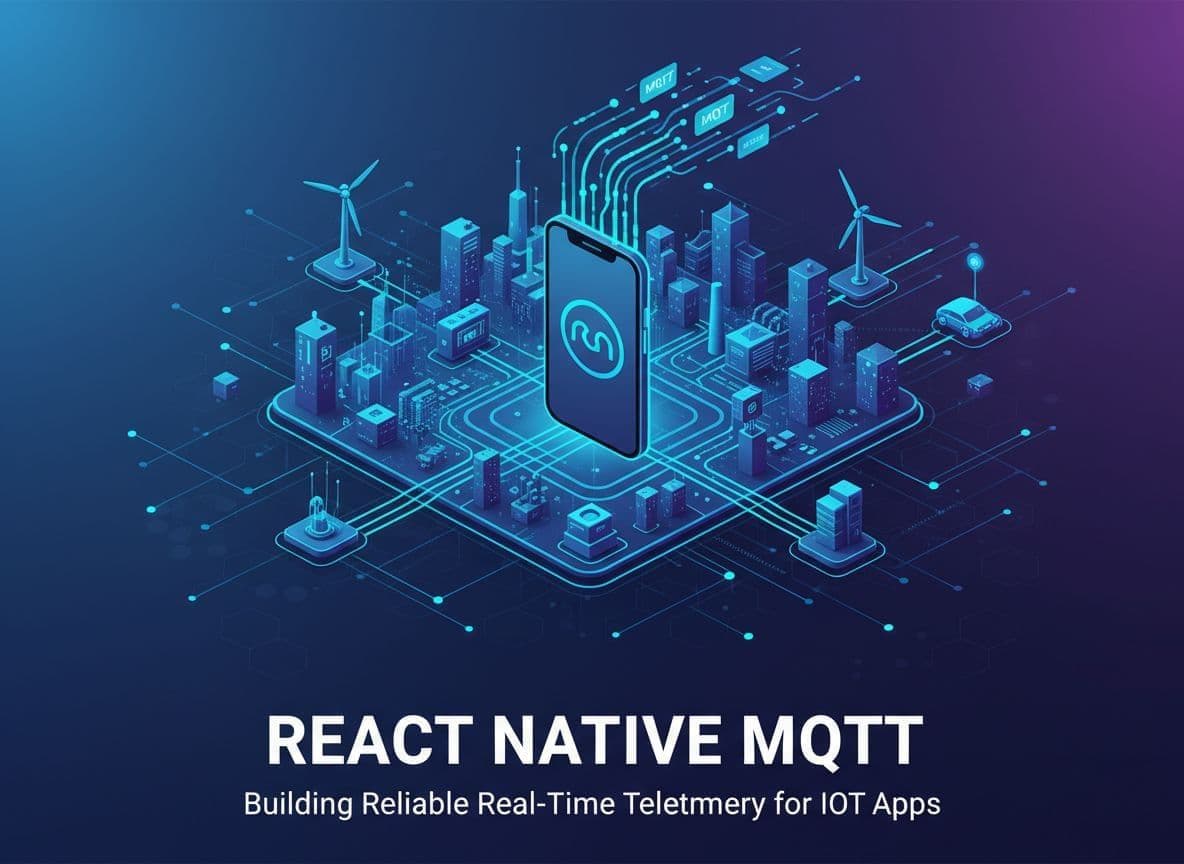
When you ship an IoT app, a pretty chart that freezes when the network flickers is worse than no chart at all. Mobile networks drop, users background the app, and devices sit behind unstable Wi‑Fi.
That is where react native mqtt patterns for reliability start to matter. With the right client, connection strategy, and topic design, you can push sensor data in real time and still sleep at night.
This guide walks through practical MQTT choices for React Native 0.7x+, a small end-to-end telemetry example in TypeScript, and concrete tactics to keep your app solid on flaky mobile networks.
Why MQTT Fits Mobile IoT Telemetry
MQTT is built for low-bandwidth, high-latency links, which sounds a lot like mobile data in the wild. It gives you:
- Lightweight binary messages with tiny headers
- Publish/subscribe topics instead of hard-coded endpoints
- Quality of Service (QoS) levels for delivery guarantees
If you want a quick refresher on the protocol itself, the EMQX team has a great overview in their guide, Mastering MQTT: The Ultimate Beginner's Guide for 2025.
For React Native, MQTT also maps nicely to a stream of telemetry updates. Each device can publish to topics like telemetry/device123/temperature, while your app subscribes and renders charts or alerts on top.
!Diagram of a React Native app talking to IoT devices through an MQTT broker, with topics and message flow arrows. _High-level view of a React Native app consuming IoT telemetry over MQTT topics. Image created with AI._
Picking a React Native MQTT Client in 2025
The main MQTT client options that work with current React Native apps are:
- MQTT.js (JavaScript, WebSocket)
- react-native-mqtt-v3 (native)
- sp-react-native-mqtt (native, Paho-based)
- paho-mqtt (JavaScript)
For Expo and plain JavaScript or TypeScript apps, MQTT.js over WebSocket is usually the smoothest starting point. Libraries like MQTT.js are well documented and there are React Native examples, such as EMQX's guide on using MQTT in a React Native project.
For non-Expo apps where you control native modules, react-native-mqtt-v3 or sp-react-native-mqtt give you a TCP connection instead of WebSocket, which can help in locked-down network setups and allow more tuning.
A simple rule of thumb:
- Need Expo-friendly, quick setup: pick MQTT.js over
wss:// - Need native speed or MQTT over TCP: pick a native client like sp-react-native-mqtt
On iOS, be mindful of background limits. Long-running MQTT connections are possible only in certain modes (for example, VoIP or background fetch). On Android, a foreground service or headless JS task can keep a connection alive much longer.
End-to-End Example: React Native MQTT Telemetry in TypeScript
Let’s wire up a tiny telemetry flow with MQTT.js:
- Subscribe to
telemetry/device123/temperature - Display the latest temperature from the device
- Let the user publish a manual reading (for example, a test value)
This example targets React Native 0.7x+ with TypeScript.
// TelemetryScreen.tsx
import React, { useEffect, useRef, useState } from 'react';
import { View, Text, Button, StyleSheet } from 'react-native';
import mqtt, { MqttClient } from 'mqtt';


const BROKER_URL = 'wss://broker.emqx.io:8084/mqtt';
const TOPIC = 'telemetry/device123/temperature';


const TelemetryScreen: React.FC = () => {
  const [temperature, setTemperature] = useState<number | null>(null);
  const [connected, setConnected] = useState(false);
  const clientRef = useRef<MqttClient | null>(null);


  useEffect(() => {
    const client = mqtt.connect(BROKER_URL, {
      clientId: `rn-client-${Date.now()}`,
      clean: false,
      reconnectPeriod: 0, // we handle reconnect ourselves
      keepalive: 30,
    });


    clientRef.current = client;


    client.on('connect', () => {
      setConnected(true);
      client.subscribe(TOPIC, { qos: 1 });
    });


    client.on('message', (topic, payload) => {
      if (topic === TOPIC) {
        const msg = JSON.parse(payload.toString());
        setTemperature(msg.value);
      }
    });


    client.on('close', () => setConnected(false));
    client.on('error', (err) => {
      console.warn('MQTT error', err.message);
    });


    return () => {
      client.end(true);
      clientRef.current = null;
    };
  }, []);


  const publishReading = () => {
    const client = clientRef.current;
    if (!client || !connected) {
      return;
    }
    const value = 20 + Math.round(Math.random() * 5); // fake sensor
    const payload = JSON.stringify({
      value,
      ts: Date.now(),
    });
    client.publish(TOPIC, payload, { qos: 1, retain: false });
  };


  return (
    <View style={styles.container}>
      <Text style={styles.status}>
        MQTT: {connected ? 'Connected' : 'Disconnected'}
      </Text>
      <Text style={styles.value}>
        Temperature: {temperature ?? '--'} °C
      </Text>
      <Button title="Send test reading" onPress={publishReading} />
    </View>
  );
};


const styles = StyleSheet.create({
  container: { flex: 1, padding: 24, justifyContent: 'center' },
  status: { fontSize: 16, marginBottom: 12 },
  value: { fontSize: 32, fontWeight: '600', marginBottom: 24 },
});


export default TelemetryScreen;
This is a basic example, but it covers the full loop: connect, subscribe, publish, and update the UI when telemetry arrives.
For a deeper walk-through of a messaging-style app, the LogRocket article Guide to building a React Native MQTT messaging app is a good next read.
Designing React Native MQTT for Flaky Mobile Networks
In production, the hardest part is not sending a single message. It is staying reliable when the network bounces between Wi‑Fi, LTE, and offline.
Key patterns that help:
- Detect network changes with
@react-native-community/netinfo. Only try to reconnect when the device is online. - Use exponential backoff when reconnecting to the broker to avoid hammering it.
- Resubscribe after reconnect because most brokers drop subscriptions when a session ends, unless you use persistent sessions properly.
- Use QoS 1 for telemetry that you cannot afford to lose but do not need exactly once. QoS 2 is heavier and can add latency.
The EMQX post on MQTT client auto-reconnect best practices covers patterns like jittered backoff and how to avoid reconnect storms. The same ideas apply directly in a react native mqtt client.
!Diagram of a React Native app handling MQTT reliability with reconnection arrows, background state, and network changes. _Reliability patterns: reconnection, QoS, and offline handling for MQTT in React Native. Image generated by AI._
Handling App Lifecycle and Background Behavior
Your MQTT client must also respect the mobile lifecycle.
On both iOS and Android:
- Pause heavy publishing when the app goes to background.
- Keep your connection object outside components (for example, in a singleton service or global store) so re-renders do not break it.
- On foreground, check if the client is still connected and resubscribe if needed.
On Android:
- For long-lived telemetry (for example, asset tracking), consider a foreground service that runs an MQTT client even when the UI is closed. The GitHub repo rn-mqtt-resilient-service shows one way to approach a persistent service.
On iOS:
- Long background connections are limited. Many production apps push critical alerts through APNs, then reopen MQTT only when the user returns. For dashboards, this trade-off is often acceptable.
If you use a boilerplate like IoTfast, you can centralize MQTT handling alongside BLE and auth, so lifecycle hooks and reconnection logic live in one shared service.
Message Ordering, QoS, and Offline Queues
Telemetry rarely arrives in perfect order. To keep your charts sane:
- Include timestamps in every payload and order data client-side by timestamp, not by arrival time.
- Prefer QoS 1 with a persistent session and a stable client ID if you want the broker to queue missed messages while the app is offline.
- Keep the client-side queue small for outbound messages during offline periods, and flush it in order when the connection returns.
A simple pattern is to buffer outgoing writes in a local array while connected === false, limit the buffer size, and publish them in FIFO order when you reconnect.
Wrapping Up
Reliable react native mqtt telemetry is less about the first successful publish and more about what happens when networks and app states change. With the right client, QoS choices, reconnection strategy, and background behavior, your mobile app can feel as steady as a wired dashboard.
If you are already comfortable with MQTT, the next step is to wrap these patterns into a shared service or boilerplate, so every new IoT screen in your app benefits from the same reliability rules. Start small with a single telemetry topic, prove your reconnect logic in the field, then roll it out across your device fleet.