Offline-First IoT Dashboards in React Native with Supabase
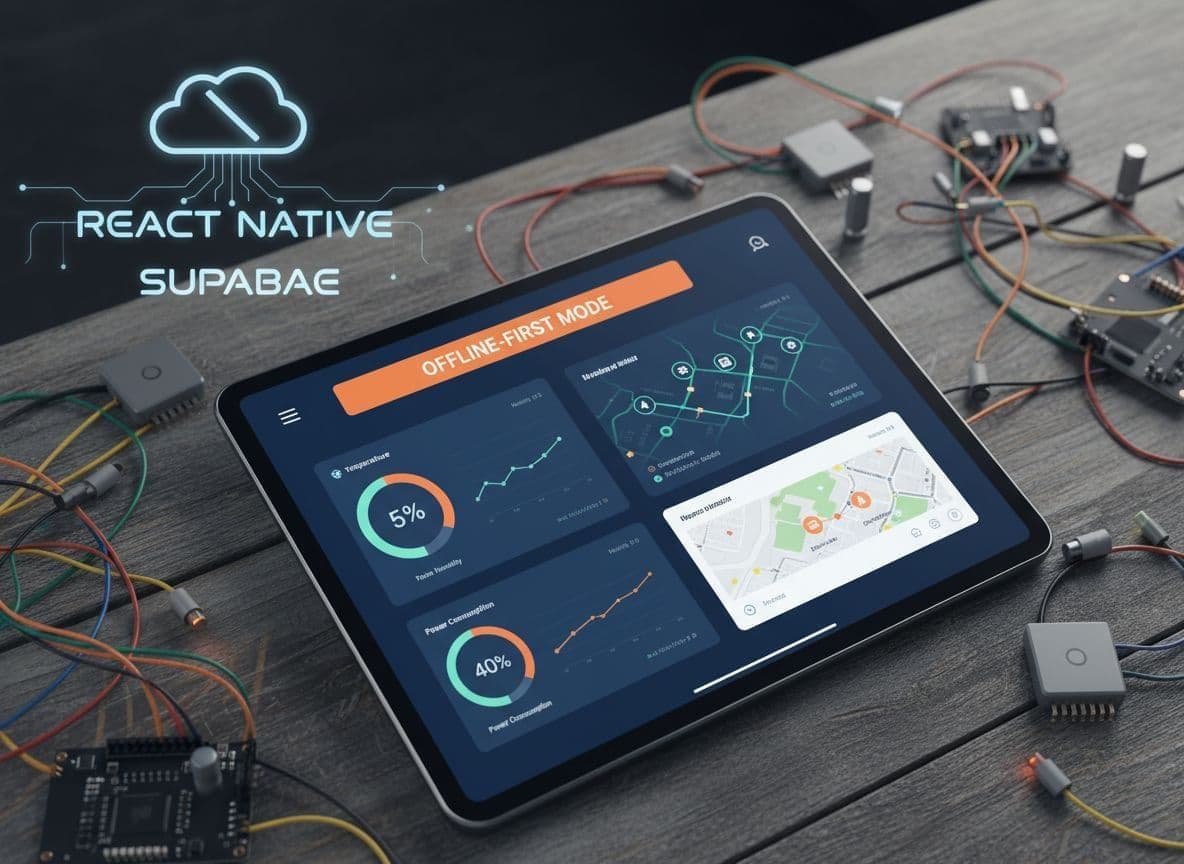
When your users are in basements, factories, or rural sites, signal drops first and questions come later. An offline first iot dashboard keeps your app useful even when the network is not.
In React Native, that means the UI reads from a fast local store, not directly from Supabase. Writes go into a queue, then sync to Postgres when the connection comes back.
This guide walks through a practical architecture for offline-first IoT telemetry, using React Native, TypeScript, Supabase, and a simple write-ahead queue pattern you can drop into a real project or an IoTfast-style boilerplate.
What “offline-first” really means for an IoT dashboard
Offline-first is more than caching a few responses.
For IoT, you usually have three data flows:
- Device telemetry flowing into Supabase.
- Mobile dashboard reading telemetry and histories.
- User actions, like toggling relays or logging events.
In a classic online-only app, your React Native dashboard would call supabase.from().select() in screens and hope for good network. In an offline-first setup, the source of truth on the device is a local database or store, often SQLite or something built on it. Supabase becomes the sync target and realtime source.
If you want a heavier local layer, tools like Supabase's WatermelonDB example or the Supabase + PowerSync offline-first guide show how to push more logic into a local SQL engine. Here we will focus on a lean custom approach that you can extend.
Supabase schema for device telemetry
Start with a schema that is easy to sync and to resolve conflicts. Timestamps and stable IDs matter more than clever relations.
A minimal IoT telemetry schema in Supabase could look like this:
create table devices (
  id uuid primary key default gen_random_uuid(),
  name text not null,
  user_id uuid not null references auth.users(id),
  last_seen_at timestamptz,
  inserted_at timestamptz not null default now()
);


create table telemetry_points (
  id uuid primary key default gen_random_uuid(),
  device_id uuid not null references devices(id),
  created_at timestamptz not null,
  metric text not null,
  value numeric not null,
  source text not null default 'device', -- or 'mobile'
  updated_at timestamptz not null default now()
);
On the client, mirror the structure with TypeScript types that are safe to store locally:
export type Device = {
  id: string;
  name: string;
  lastSeenAt: string | null;
};


export type TelemetryPoint = {
  id: string;
  deviceId: string;
  createdAt: string;
  metric: 'temperature' | 'humidity' | 'battery';
  value: number;
  source: 'device' | 'mobile';
};
This lets your React Native code treat Supabase rows and local rows the same, which simplifies queue processing.
Local storage and a write-ahead queue in React Native
You want all reads to hit local state first. That can be:
- SQLite through an ORM.
- WatermelonDB or PowerSync.
- A store like Legend-State on top of AsyncStorage.
Supabase does not ship an offline sync engine, so local-first tools are common. The local-first Expo Legend-State article shows one approach. For a custom queue, you can keep things smaller and focused.
Define a queue item type for writes that must reach Supabase:
export type PendingWrite =
  | {
      type: 'UPSERT_TELEMETRY';
      payload: TelemetryPoint;
    }
  | {
      type: 'UPDATE_DEVICE_NAME';
      payload: { deviceId: string; name: string; updatedAt: string };
    };


export type PendingWriteEnvelope = {
  id: string;            // local id for the queue item
  createdAt: number;     // timestamp in ms
  attempt: number;       // retry count
  write: PendingWrite;
};
You can persist an array of PendingWriteEnvelope objects in AsyncStorage or a local DB. All mutations in your UI should:
- Apply an optimistic change to local state.
- Append a new item to this queue.
A boilerplate like IoTfast can hide this behind hooks so every feature screen gets offline behavior by default.
Optimistic updates and clear offline UI states
Users should feel like the dashboard is always live, even if sync is delayed.
A simple pattern:
- The chart uses local telemetry only.
- When the user logs an event, you add a
TelemetryPointwithsource: 'mobile'and show a small “pending” dot until the write is confirmed.
For the UI, track both connection and pending state:
type NetworkStatus = 'online' | 'offline' | 'unknown';


type DashboardState = {
  networkStatus: NetworkStatus;
  pendingWriteIds: Set<string>;
};
Then in your component, you can render a subtle banner and pending markers:
const isPending = dashboardState.pendingWriteIds.has(point.id);


<Text style={{ opacity: isPending ? 0.6 : 1 }}>
  {point.value.toFixed(1)} °C
</Text>
{isPending && <Text style={{ fontSize: 10 }}>syncing…</Text>}
You can combine this with a persistent session strategy so users stay “logged in” locally. The discussion in this thread on Supabase Auth for offline-first React Native apps is a good reference when you design that flow.
Architecture of an offline-first IoT dashboard
!Clean modern technical illustration of offline-first mobile IoT dashboard in React Native app with dark-themed UI, local AsyncStorage queue, background sync to Supabase Postgres backend, and connectivity status. _High-level offline-first IoT dashboard architecture with local cache, queue, and Supabase backend. Image created with AI._
At a high level, you can picture four main blocks:
- Device and cloud, sending telemetry into Supabase.
- Local cache, storing telemetry and user actions on the device.
- Write-ahead queue, holding pending mutations.
- Sync engine, pushing and pulling when the connection is available.
IoTfast-style apps usually add BLE or MQTT input on the edge, but the mobile pattern stays the same.
Sync engine with retry and conflict resolution
The sync engine should run in the background while the app is in the foreground, and ideally through a background task if your stack supports it.
A simple loop with exponential backoff:
const BASE_DELAY_MS = 2_000;


async function processQueueOnce(queue: PendingWriteEnvelope[]) {
  for (const item of queue) {
    try {
      await applyWriteToSupabase(item.write);
      markAsSucceeded(item.id);
    } catch (error) {
      bumpAttempt(item.id);
    }
  }
}


export async function syncLoop() {
  let delay = BASE_DELAY_MS;


  while (true) {
    const queue = await loadQueue();
    await processQueueOnce(queue);


    const hasFailures = queue.some(q => q.attempt > 0);
    delay = hasFailures ? Math.min(delay * 2, 60_000) : BASE_DELAY_MS;


    await sleep(delay);
  }
}
For conflict resolution, keep a simple rule, for example “latest updated_at wins”:
async function applyWriteToSupabase(write: PendingWrite) {
  if (write.type === 'UPDATE_DEVICE_NAME') {
    const { deviceId, name, updatedAt } = write.payload;


    await supabase
      .from('devices')
      .update({ name, last_seen_at: updatedAt })
      .eq('id', deviceId)
      .gte('updated_at', updatedAt); // skip if server is newer
  }


  // handle other types…
}
If the update affects zero rows because the server version is newer, you can pull the latest row and update local state to match.
!Clean, modern technical illustration depicting the sync process in an offline-first IoT app, featuring a flow diagram from local write-ahead queue, retry with exponential backoff, Supabase conflict check, device telemetry upload, and realtime subscription updates. Dark theme vector flat design with icons and labels for queue, backoff, resolution, and sync. _Write-ahead queue, retry with backoff, and conflict resolution around Supabase. Image created with AI._
Realtime telemetry when the app is online
Offline-first does not mean you give up realtime. It means realtime is a layer on top of your local store, not a replacement.
When the network is available, subscribe to Supabase Realtime and feed updates straight into the same local cache you use offline. The pattern in this React Native Supabase realtime example on StackOverflow translates well to IoT dashboards.
A simple channel:
const channel = supabase
  .channel('telemetry')
  .on(
    'postgres_changes',
    { event: '*', schema: 'public', table: 'telemetry_points' },
    payload => {
      applyIncomingTelemetry(payload.new as TelemetryPoint);
    }
  )
  .subscribe();
applyIncomingTelemetry should write into your local DB or in-memory store, then the charts render from that source.
!A clean, modern technical illustration of a React Native IoT dashboard UI in offline mode: smartphone screen with dark theme showing sensor cards for humidity, battery, and motion data with timestamps, offline banner, optimistic updates, and cached charts. _Offline-mode IoT dashboard UI with cached metrics and pending actions. Image created with AI._
If you want a deeper dive into patterns and tradeoffs, articles like Making My React Native App Work Offline line up well with the queue pattern used here.
Wrapping up
An offline-first IoT dashboard in React Native is less about fancy charts and more about a disciplined data flow. Local cache first, writes funneled through a queue, retries with backoff, and simple conflict rules give you a mobile app that behaves well even with spotty field networks.
Supabase fits cleanly as the cloud layer for auth, Postgres, and realtime, while your React Native app owns the offline experience. Tools like PowerSync, WatermelonDB, or Legend-State can take you further when you outgrow a custom queue.
Start small: pick one screen, route all writes through a queue, mark pending items in the UI, and watch how much better your dashboard feels the next time the signal drops.